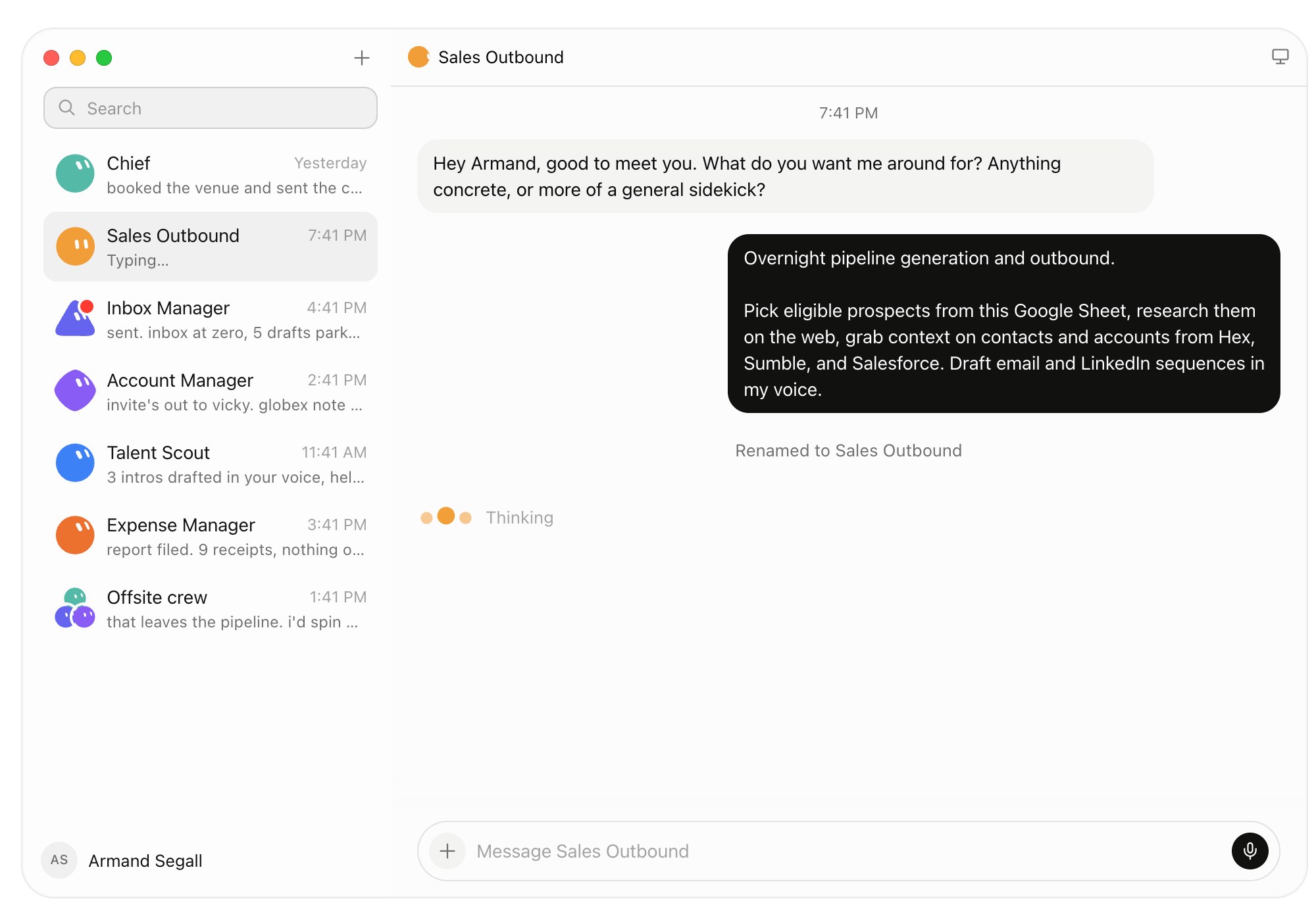
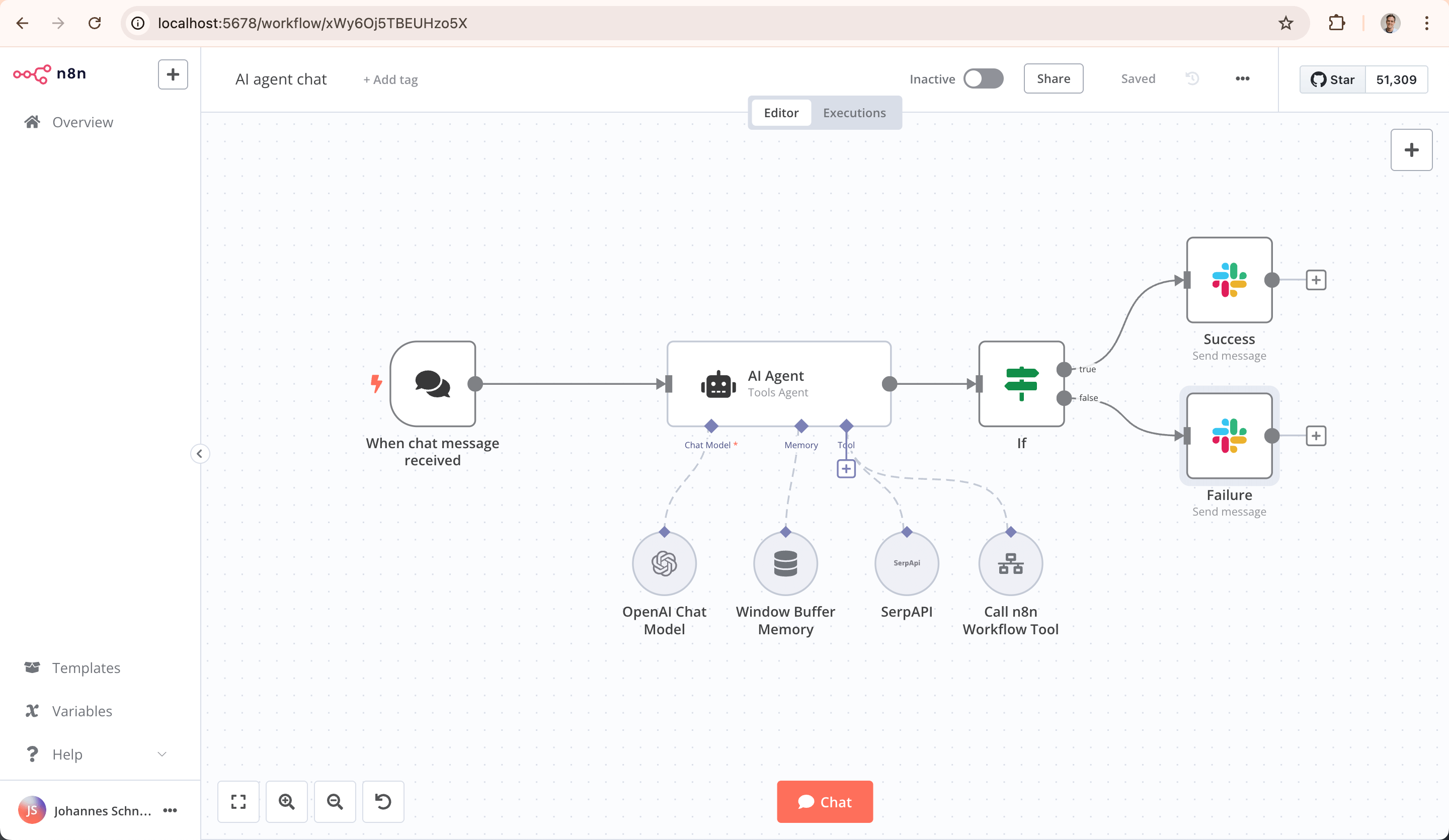
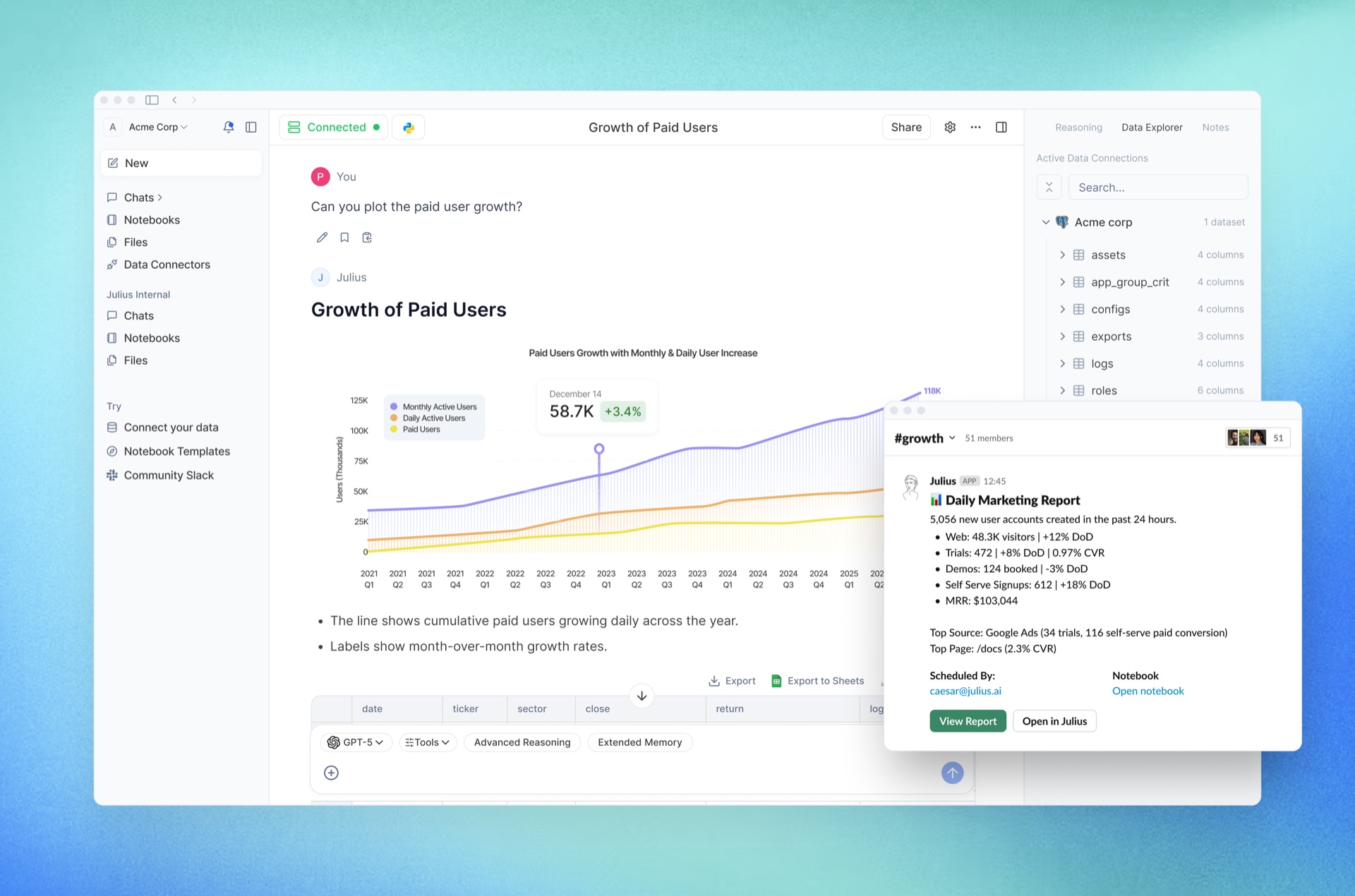
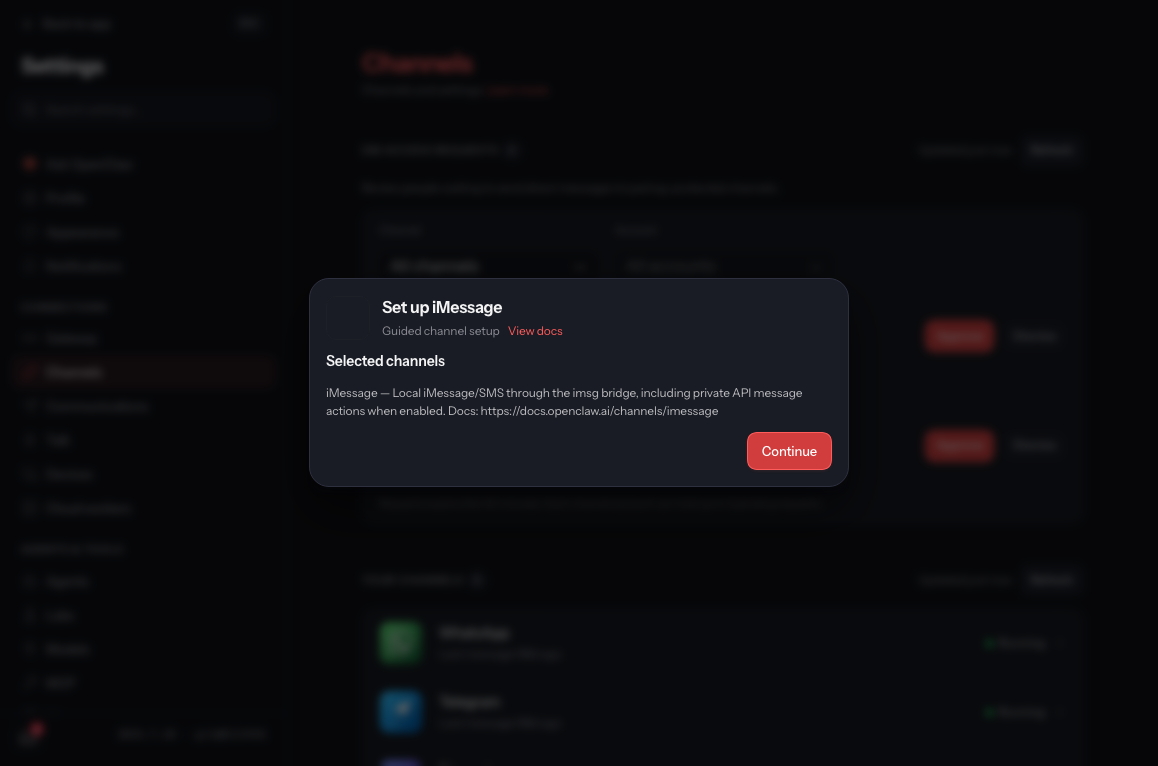
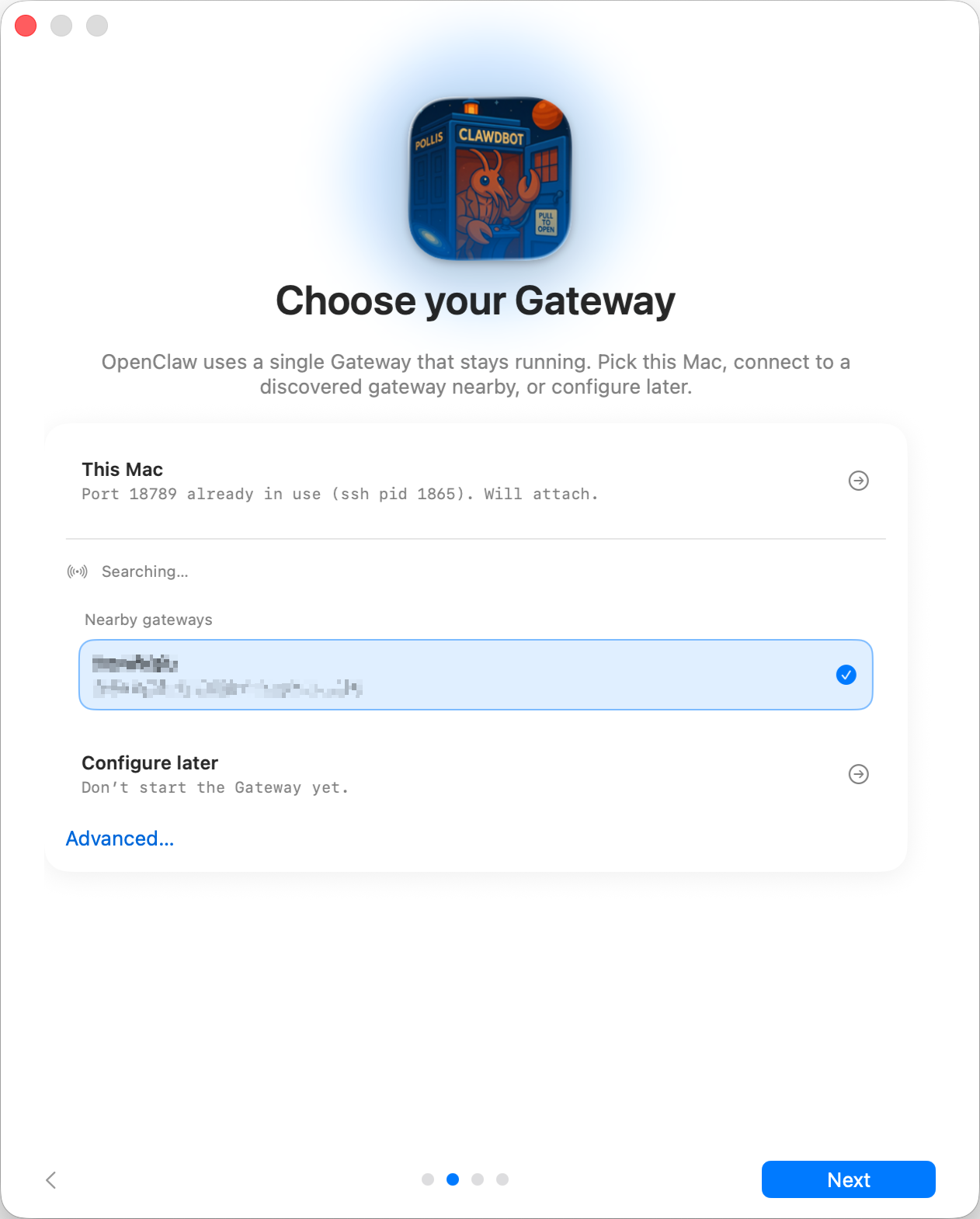
These show where the channel and gateway are configured. They are documentation references, not an AuraMind client installation.
Channel setup ↗Official channel-setup reference. The surrounding blur is part of the source image.Local or remote gateway ↗Official onboarding reference from an earlier interface, with legacy branding.
Hermes Agent
Open-source agent for research tasks, run on your own machine.
Bring back research you can check.
Give a recurring research task a defined scope. Get a brief with sources, uncertainty and a next step.
Hosted agent from SpaceXAI with its own cloud computer; Grok Build is its coding tool.
Hand over the follow-up. Keep the approval.
Grok Bot is a hosted teammate from SpaceXAI, formerly xAI. It gets its own cloud computer, signs into the tools you allow, finishes a multi-step job and checks back for approval. Grok Build is the coding agent in the terminal for building and repairing internal tools.
Enlarge reference image↗Official Grok Bot product page, captured 11 October 2026. Not a live session.
Illustrative workflow · sample data
1234
?
Give the Bot a job
Follow up on last week’s open quotes. Draft the replies, do not send them.
→
Allow the tools
The Bot signs into the shared inbox and the CRM on its own cloud computer. Sending stays switched off.
…
Work through the list
It reads each thread, checks the customer record and drafts a reply for you to check.
✓
Approve before sending
Drafts and record updates wait for a person. Nothing is sent by this example.
Runs on
Grok Bot: the vendor’s cloud computer, not self-hosted. Grok Build: your computer, with model calls to the vendor’s cloud. Apache-2.0.
Connects to
The inboxes, CRMs and websites you let the Bot sign into; those business logins live on that cloud machine. Grok Build: your repository.
A person approves
The Bot checks back when it needs approval. A person reviews every Grok Build change before release.
Limit
Grok Bot is a beta for SuperGrok and Cursor subscribers. After Grok Build’s July 2026 upload incident, telemetry and upload settings are checked before a client repository is connected.
What AuraMind configures
We define the Bot’s job, the tools it may sign into and the approval step. Business logins live on that cloud machine, so we limit them to what the job needs. For Grok Build we set project boundaries and check telemetry and upload settings before a client repository is connected.
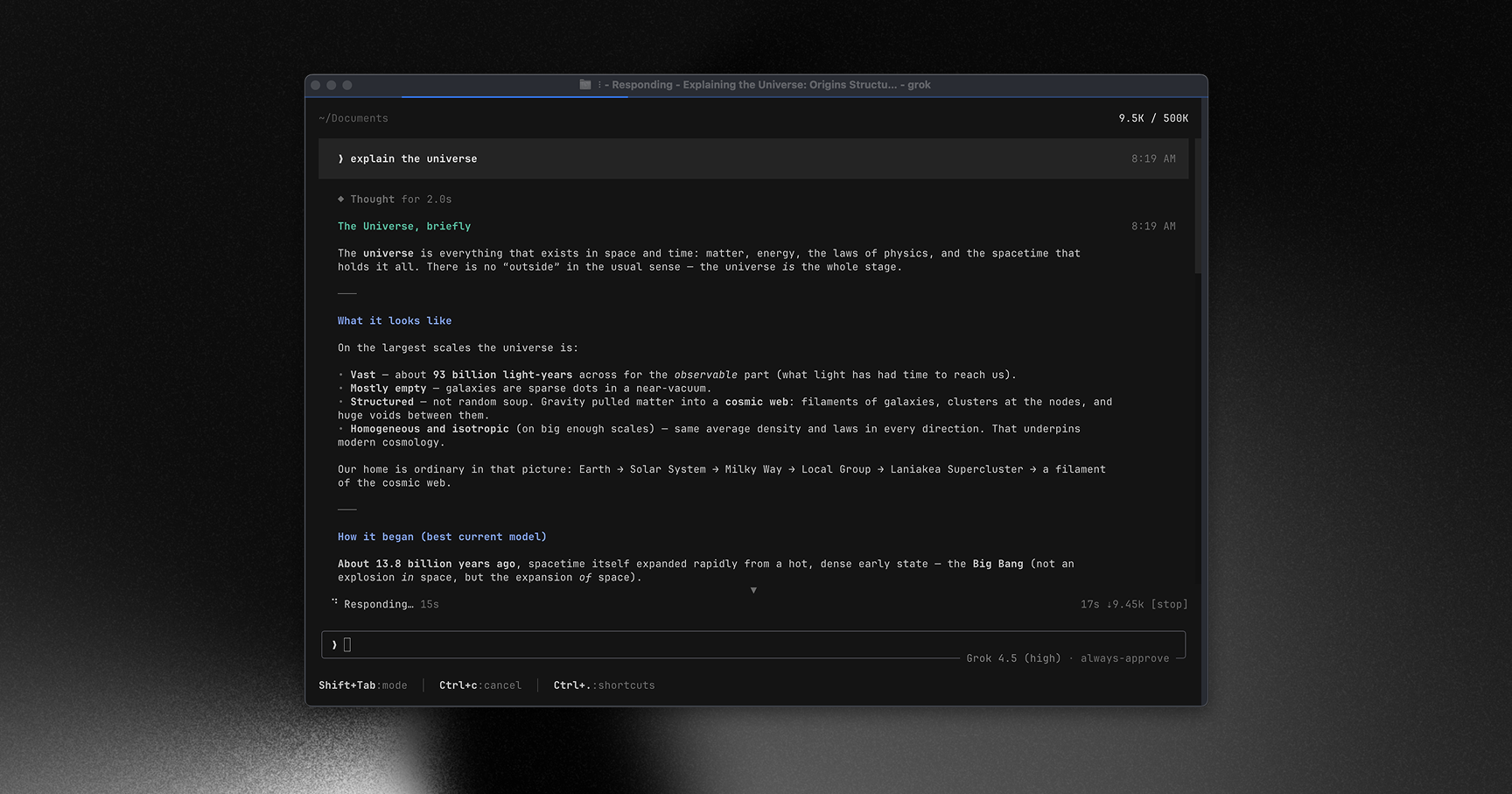
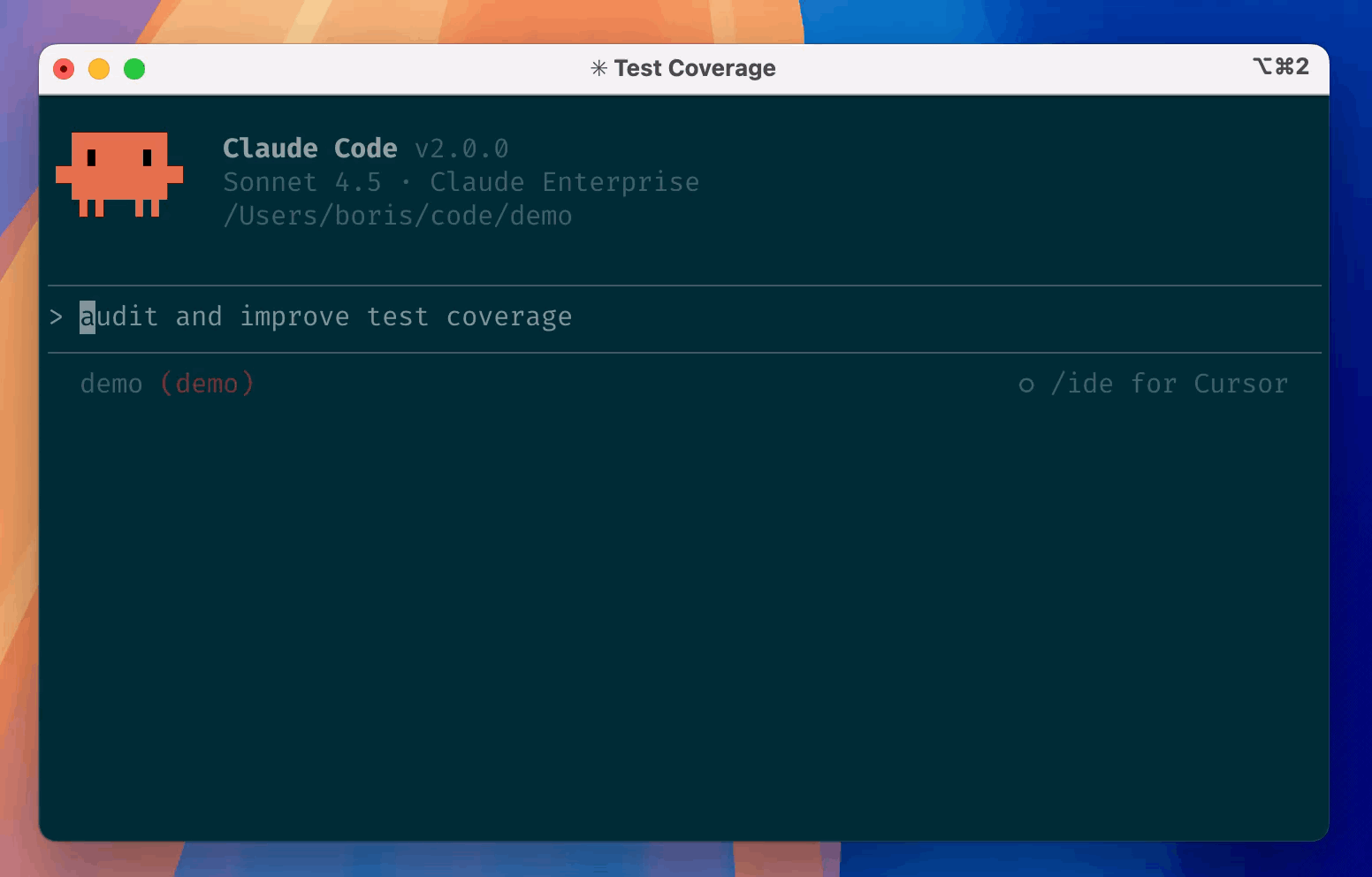
The Grok Build screenshot comes from the project README. It is a documentation reference, not an AuraMind client installation.
Grok Build terminal ↗Official Grok Build screenshot from the project README. A still image, not a live session.
Meta Muse
Meta’s agent for small businesses on Facebook and Instagram.
Set a goal for the week. Approve the result.
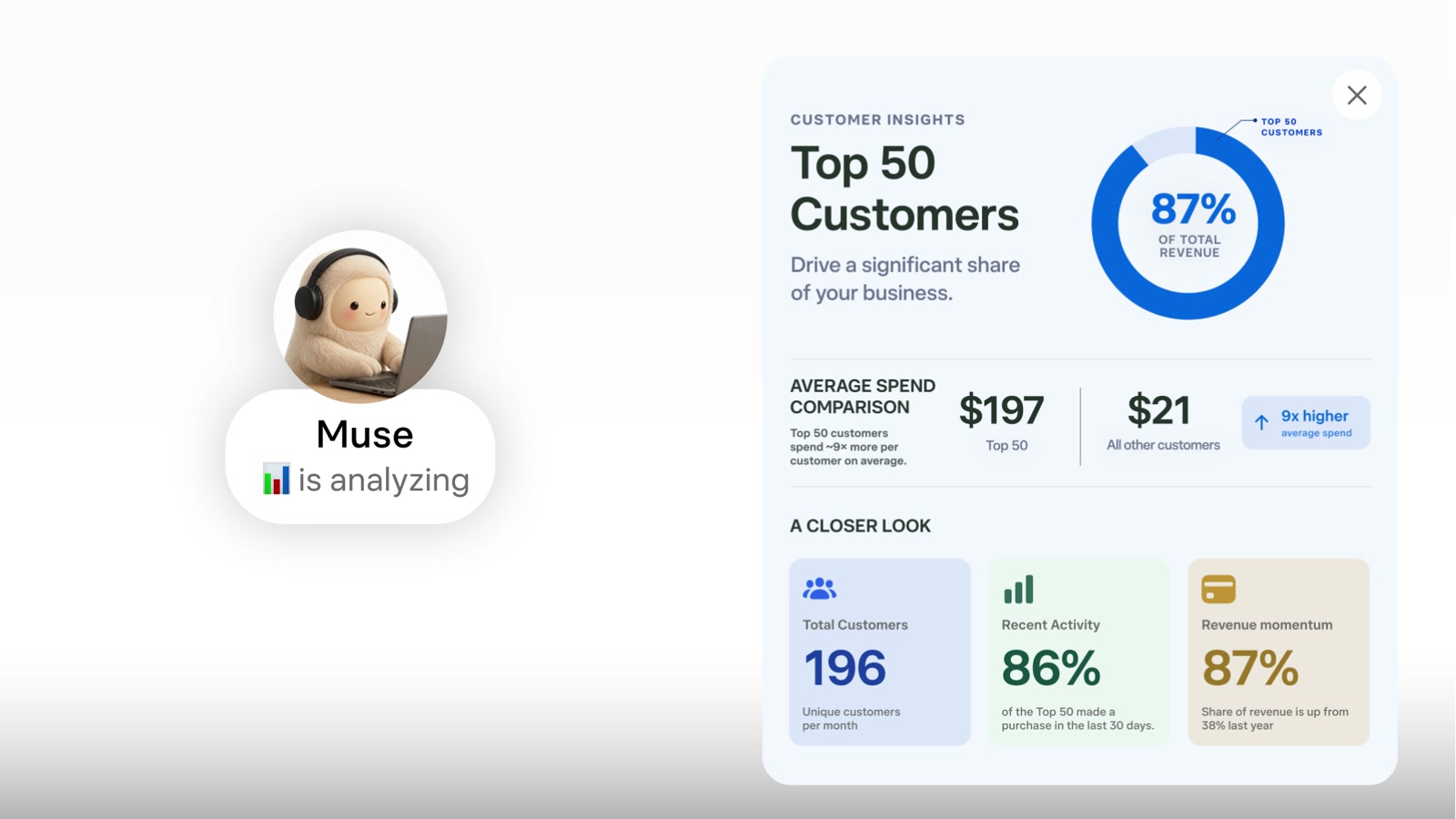
A personal agent that works on a goal over time. Muse for Small Business connects Facebook and Instagram business accounts, Meta ad accounts and tools such as Shopify, Intuit QuickBooks, Stripe, Slack, Notion, Canva, Asana and Zoom. In Meta’s own words: “nothing publishes, sends, or spends without your approval.”
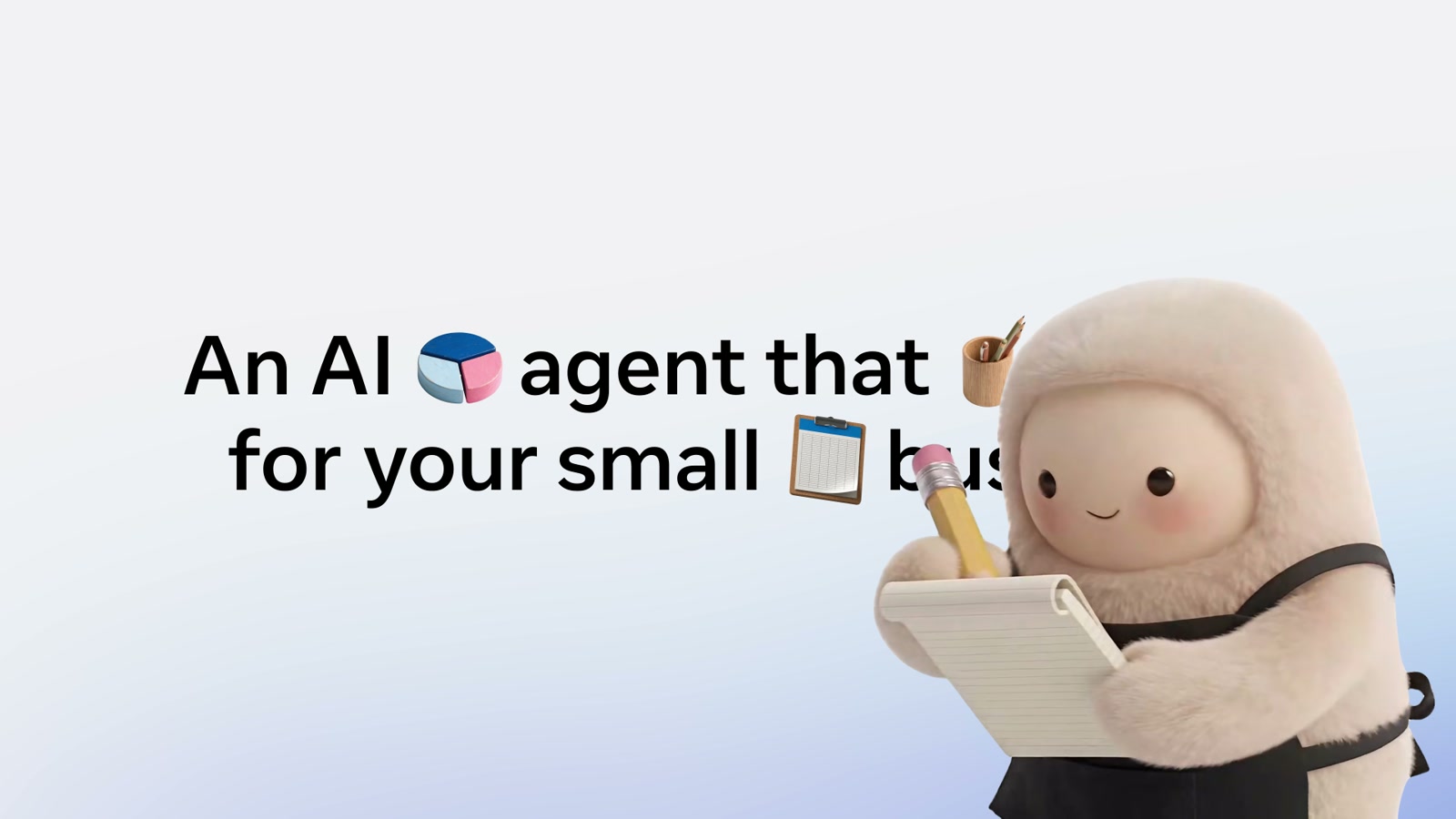
Enlarge reference image↗Still from Meta’s official Muse for Small Business video, 29 September 2026.
Illustrative workflow · sample data
1234
?
Set the goal
Review last week’s posts and ads for our shop. Draft next week’s campaign.
→
Connect the accounts
Facebook and Instagram business accounts, the Meta ad account and Shopify, each with only the access the job needs.
…
Work over time
Muse works on the goal on its own cloud machine and prepares a campaign draft with the numbers behind it.
✓
Owner approves
Nothing publishes, sends or spends until the owner approves. This example publishes nothing.
Runs on
Meta’s cloud, a virtual machine per user. Not self-hosted.
Connects to
Facebook and Instagram business accounts, Meta ad accounts, Shopify, QuickBooks, Stripe, Slack, Notion, Canva, Asana and Zoom.
A person approves
Meta’s wording: nothing publishes, sends or spends without your approval.
Limit
US and Canada at this check, not Germany. Queries are used for model training unless switched off.
What AuraMind configures
AuraMind assesses the fit for a client’s Meta channels and sets connectors and approval rules once Muse is available for them. At this check it is offered in the US and Canada, not in Germany.
OpenAI’s coding agent, plus scheduled tasks that run on their own.
Find the fault. Check the fix.
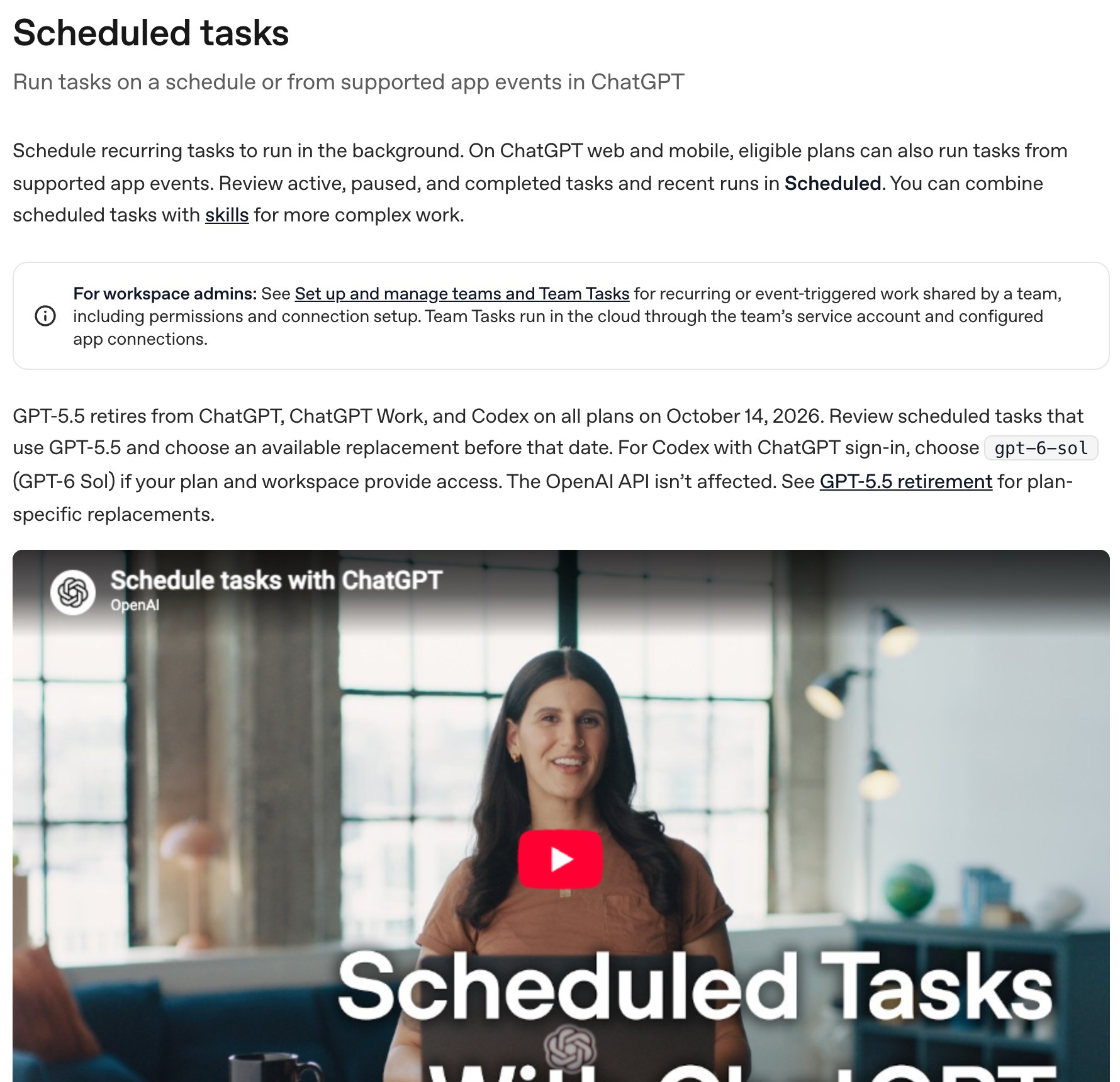
Investigate a broken internal workflow, make a scoped change and show the test results. Automations then run tasks on a schedule or from supported app events: a daily brief, a weekly summary, a cleanup. A person reviews each result.
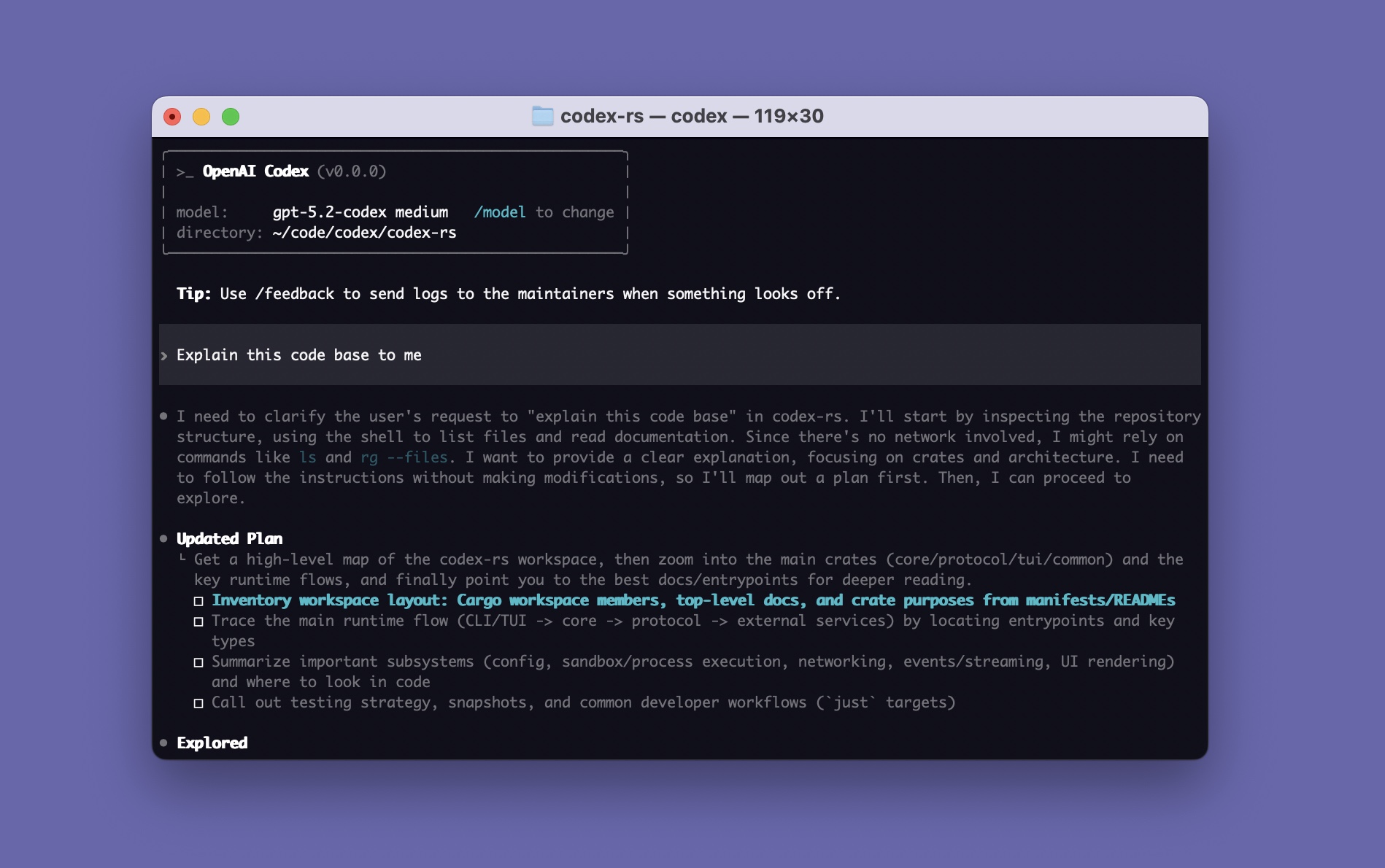
Enlarge reference image↗Official Codex CLI splash image from the project README. A still image, not a live session.
Illustrative workflow · sample data
1234
?
Show the failure
Our import creates duplicate contacts when a file is retried.
→
Reproduce and fix
Inspect the import path with safe sample records, prepare a focused fix and rerun the checks, including the retry case.
…
Schedule the follow-up
An automation reruns the import check each morning and writes a short brief. A weekly summary lists what changed.
✓
Inspect before release
Your team receives the proposed change, the test evidence and each scheduled brief. Deployment is a separate decision.
Runs on
Command line, IDE, desktop app or OpenAI’s cloud. Team Tasks run in the cloud through a service account.
Connects to
Your repository, scripts, CI and MCP tools. Automations start on a schedule or from supported app events.
A person approves
A person checks the diff, the test results and what each scheduled run produced.
Limit
Paid ChatGPT plan or API key. A local automation needs the app open. Network is off in its sandbox by default.
What AuraMind configures
We set project boundaries, permitted commands and verification steps. The setup uses the provider connection you approve. Scheduled tasks are documented at learn.chatgpt.com/codex/automations: Team Tasks run in the cloud through a service account, and a local automation needs the app open.
AuraMind’s own workspace where several AI tools work on one task.
Keep the discussion and build together.
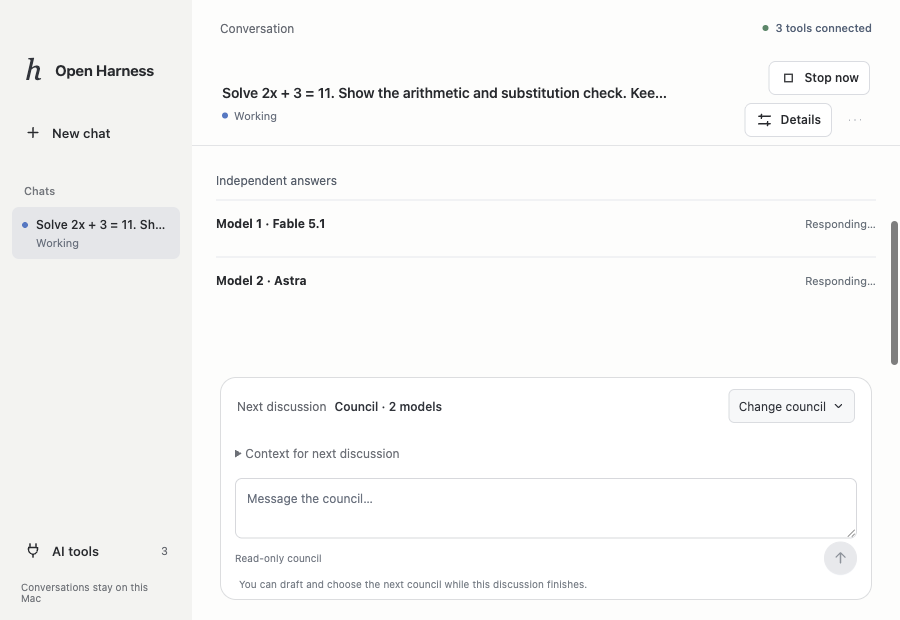
AuraMind’s working prototype keeps model discussions, an approved plan and build checks in one workspace.
Enlarge reference image↗Actual Open Harness prototype · separate model answers to a test question.
Illustrative workflow · sample data
1234
?
Bring a question
Compare approaches before changing our project.
→
Compare perspectives
Selected models respond independently and review a shared proposal.
…
Approve and build
An agreed plan goes to an eligible coding connection. Verification runs separately.
✓
Inspect the evidence
Review the recorded discussion, changes and check results before accepting the work.
Runs on
Your Mac, as a desktop prototype.
Connects to
Claude Code and Codex, with their own sign-ins.
A person approves
You approve the plan, then review the result.
Limit
Working prototype. Falls back only to the same model.
What AuraMind configures
Supported connections have separate roles and permissions. Recorded context can be handed over explicitly; unrestricted automatic provider switching is not implemented.
Ollama or vLLM serve an open-weight model behind an OpenAI-compatible endpoint on the company network. Gemma 4, Qwen3.5 to 3.8 and gpt-oss are the candidate families we test first, all under Apache 2.0. DeepSeek-R1 (MIT) and Llama 3.1 (Llama community licence) are known options. Hardware, licence, data paths and measured task quality decide the selection, and the handover names the exact model and quantisation tested.
Voice and speech technology considered for configured call workflows. Provider processing, conversation design and business connections are scoped separately.
Make, Zapier, Google Workspace, SocialBu, calendars, CRMs and existing databases may be part of the workflow. Python, React, TypeScript and Supabase support custom work where needed. We define each tool’s role and required access before connecting it.
Except for Open Harness, these are third-party products. Their inclusion does not imply a partnership or endorsement. Official references and AuraMind project evidence are labelled separately. Image credits

 Enlarge reference image
 Channel setup
  Local or remote gateway